First-day setup: shop details and staff
5 min read · 5 steps
- Log in with the owner’s email. The first page shows your modules.
- In User Management → Company → Company profile, enter the pharmacy name, trade licence number, phone, email and address — they are used on invoices and alerts.
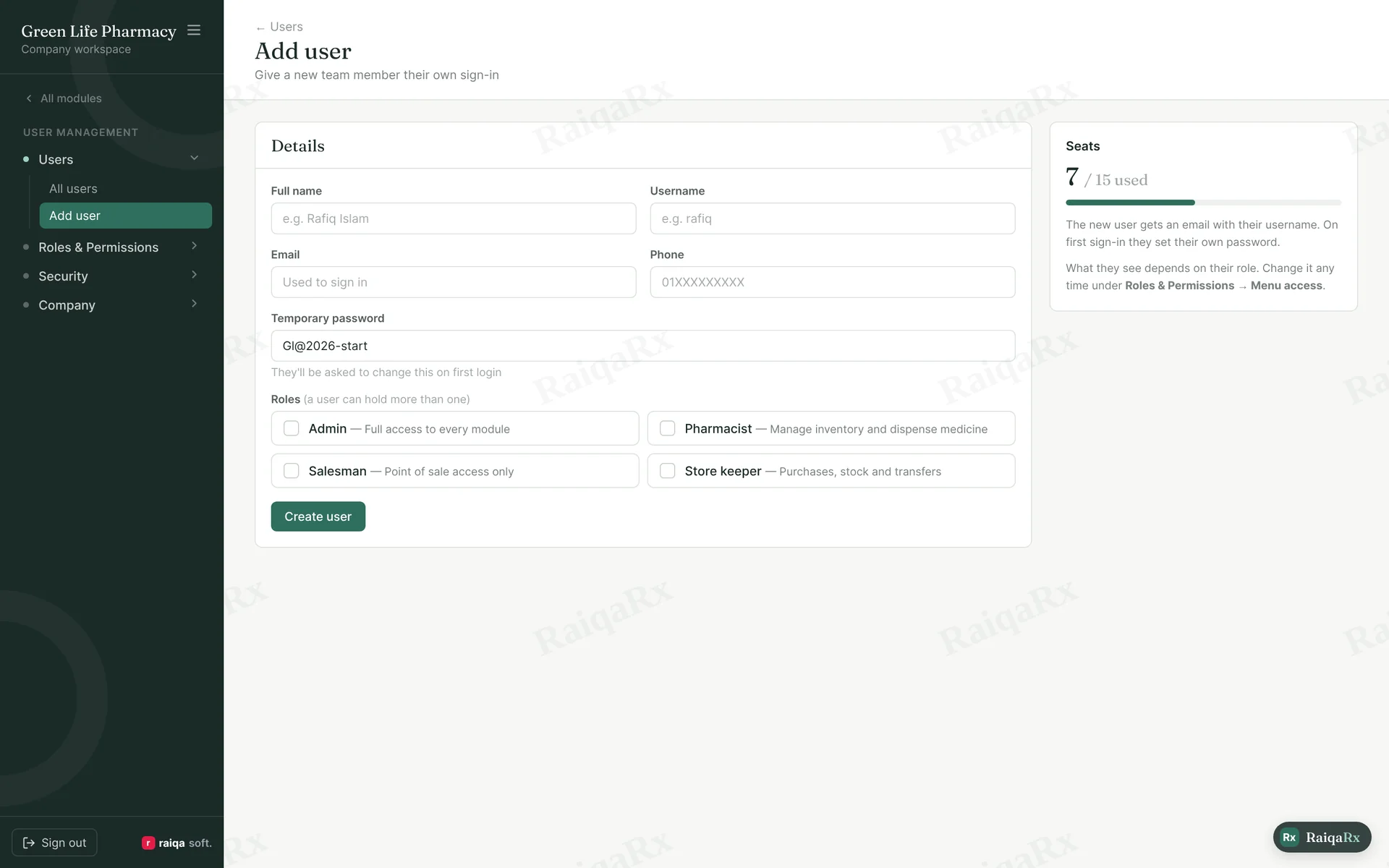
- In Users → Add user, enter each staff member’s name, username, email, phone and a temporary password. You can add as many users as your plan allows.
- Give each one or more roles (e.g. Admin, Pharmacist, Salesman). What each role sees is in the “Creating roles” guide.
- When staff first sign in with the temporary password, they must set their own password.
Tap a number to mark the step done · 0/5 done
Was this guide helpful?Thanks! Glad it helped.Sorry about that. Tell us where you got stuck — Write to support ›