Counting stock and fixing differences
4 min read · 4 steps
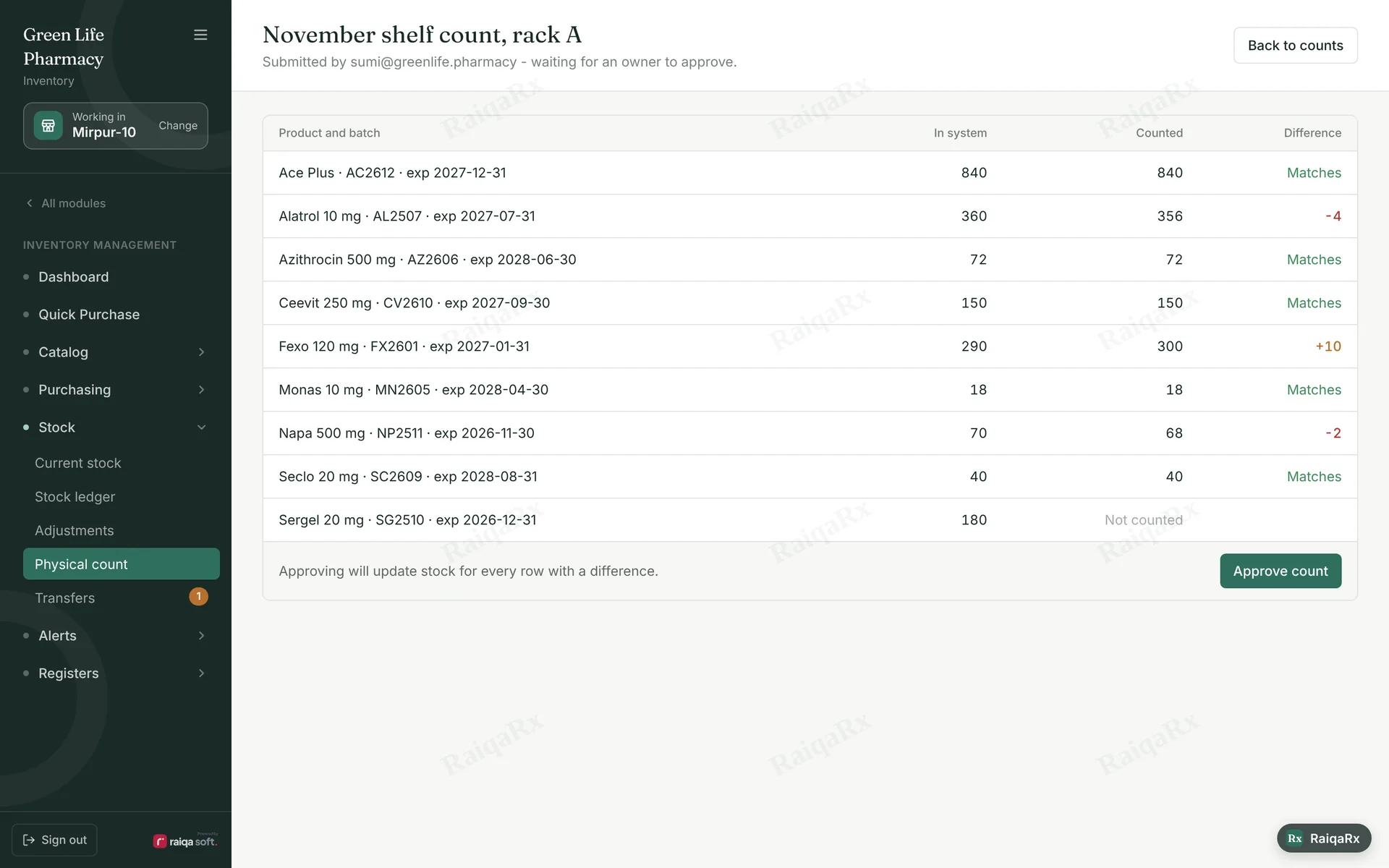
- Open Inventory → Stock → Physical count.
- Count a rack or section and enter the real number for each batch.
- Differences show automatically: “Matches”, “+10” or “−4”. Submit when the count is done.
- Stock changes only when an owner or manager approves — as new entries in the Stock ledger.
Tap a number to mark the step done · 0/4 done
Was this guide helpful?Thanks! Glad it helped.Sorry about that. Tell us where you got stuck — Write to support ›