Finding batches close to expiry
2 min read · 3 steps
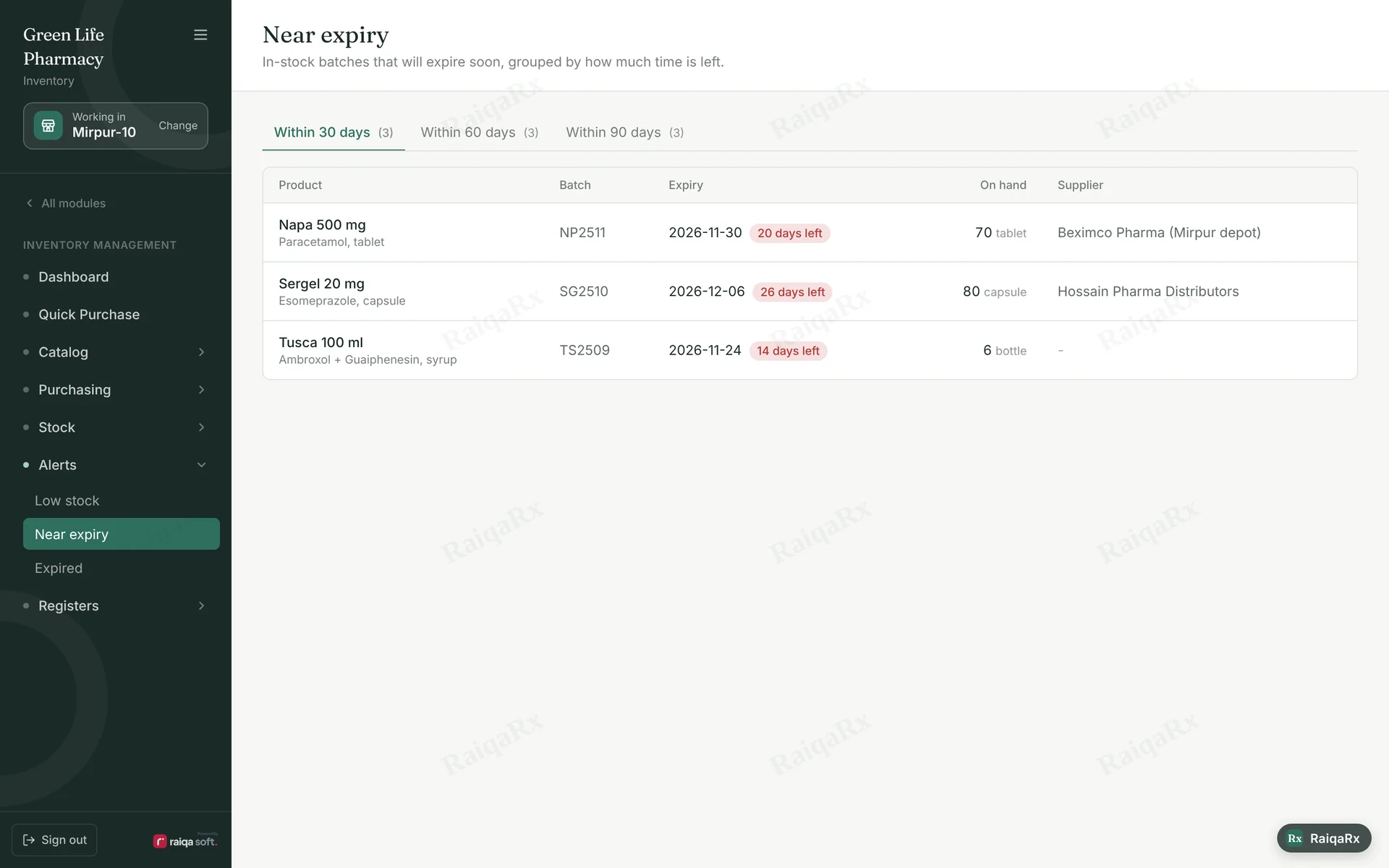
- Check “Expiry watch” on Inventory → Dashboard: expired, 30, 60, 90 days.
- “See near-expiry batches” opens the full list. Sell them first or return them to the supplier.
- Expired batches can’t be sold at the counter — take them off the shelf.
Tap a number to mark the step done · 0/3 done
Was this guide helpful?Thanks! Glad it helped.Sorry about that. Tell us where you got stuck — Write to support ›