Selling on due and collecting dues
3 min read · 4 steps
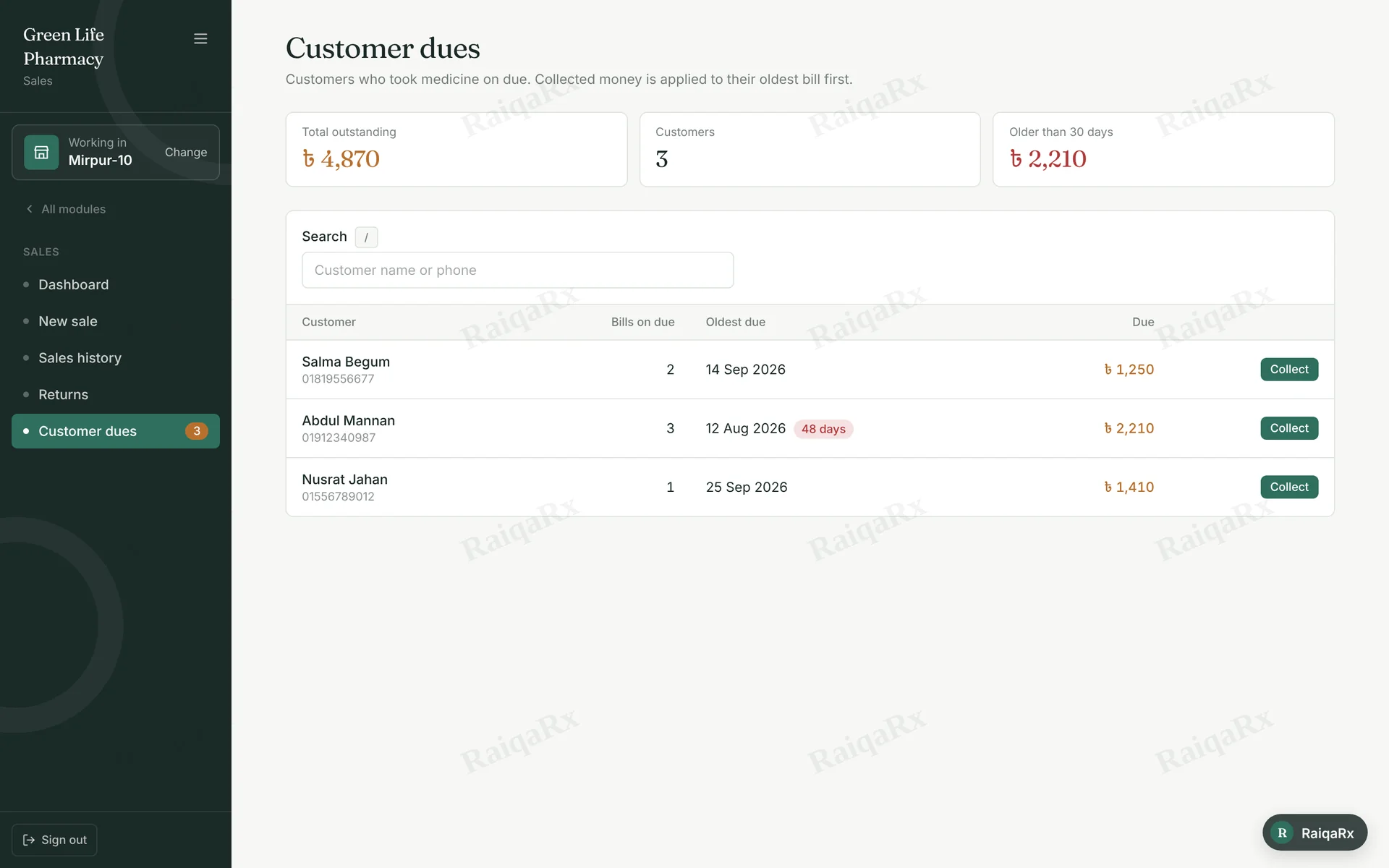
- While selling, enter the customer’s phone and name (F3) and choose “Due” in Payment.
- See who owes what in Sales → Customer dues. Search by name or phone.
- Tap “Collect” and enter how much you received and how (Cash, bKash…). Part payment is fine.
- Money goes to the oldest bill first.
Tap a number to mark the step done · 0/4 done
Was this guide helpful?Thanks! Glad it helped.Sorry about that. Tell us where you got stuck — Write to support ›